 Soalan Lazim
 Aduan & Maklumbalas

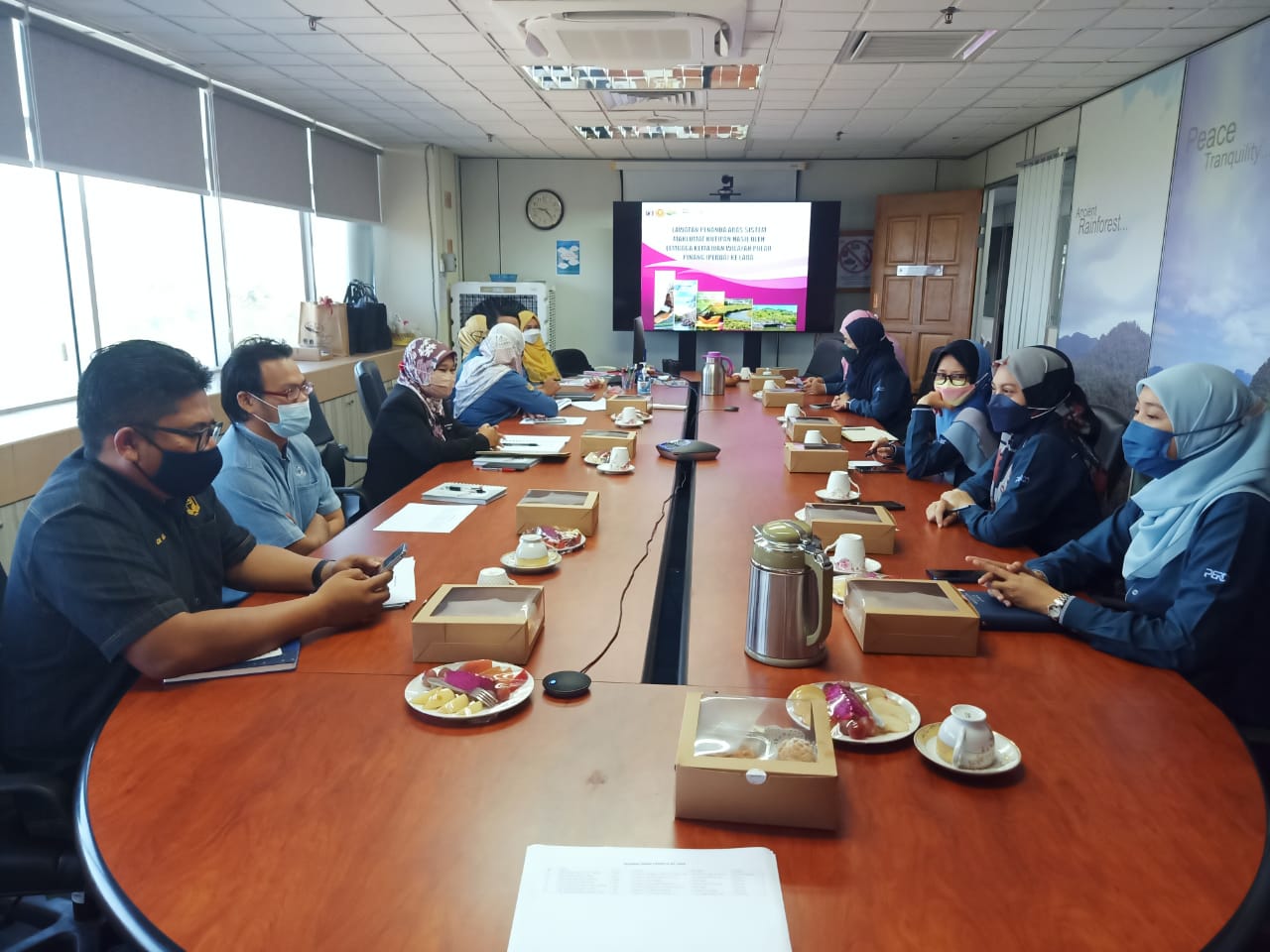
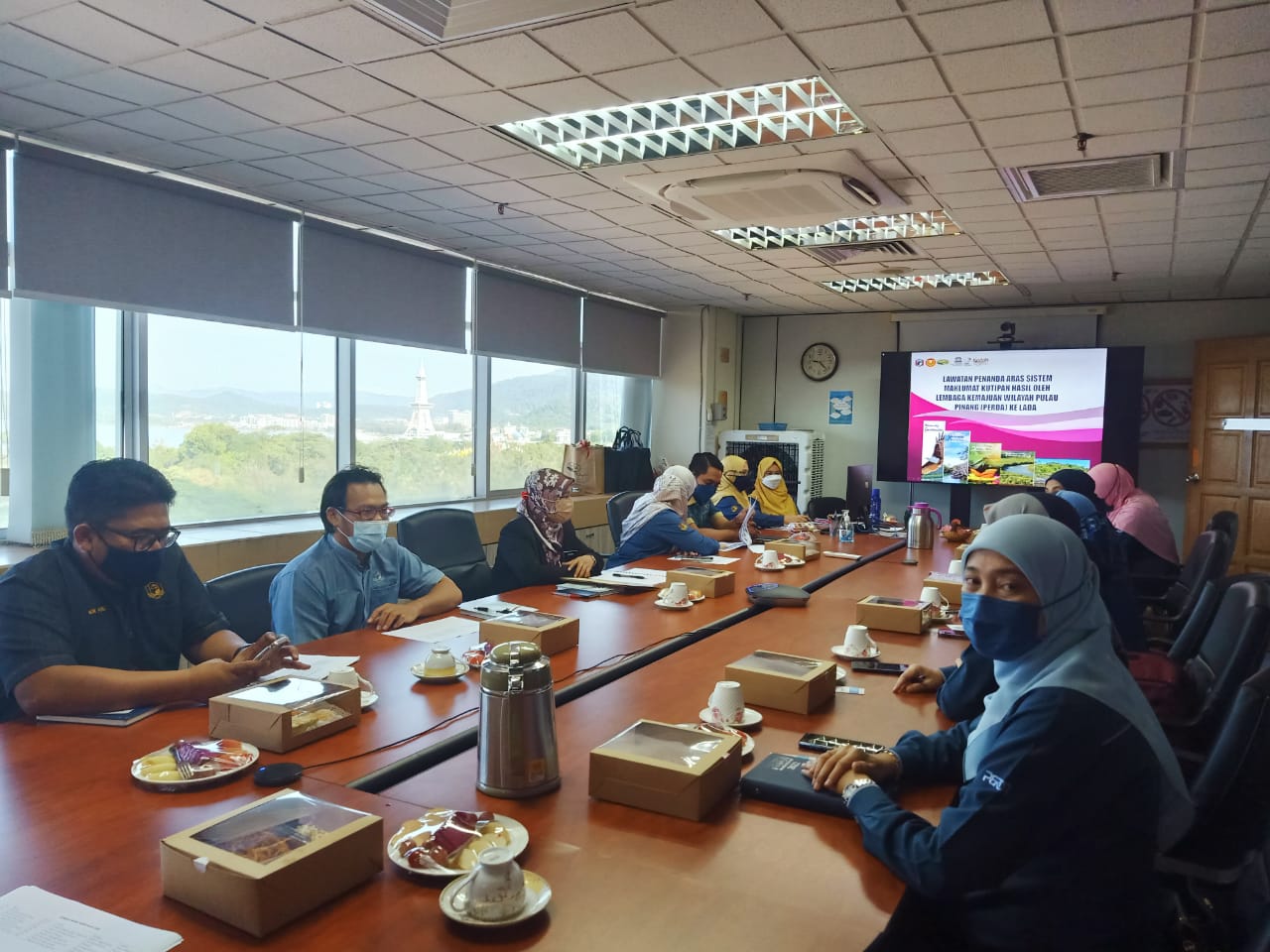
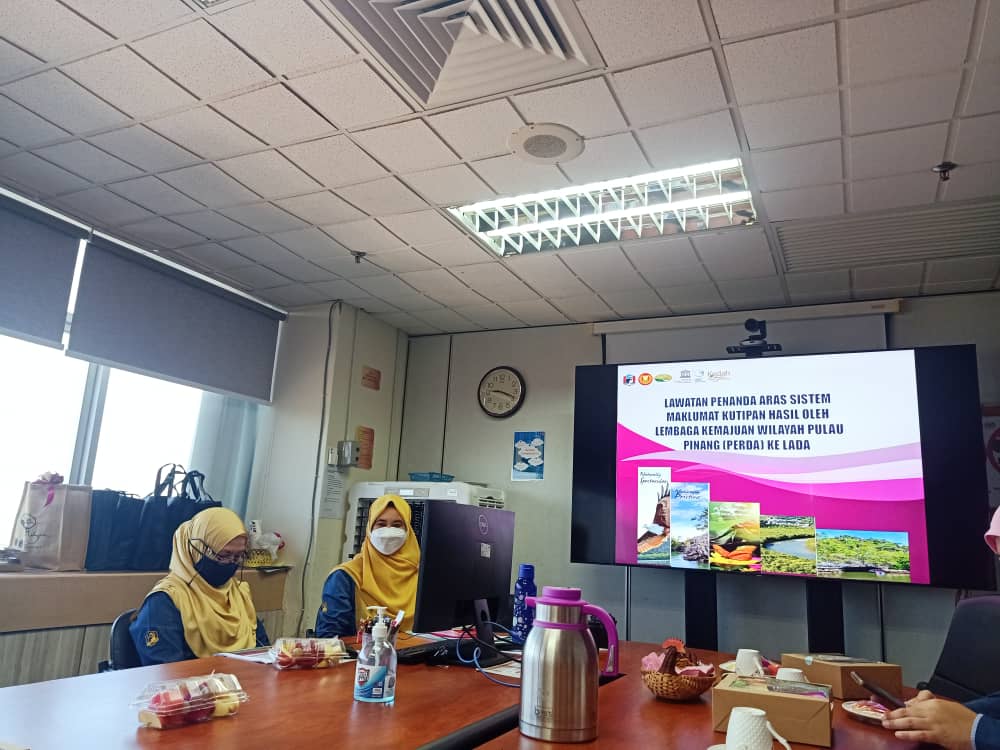
Objektif program lawatan kerja ini adalah sebagai penandaaras kepada pembangunan integrasi digital sistem maklumat khususnya sistem kutipan hasil yang sedang dibangunkan oleh PERDA.
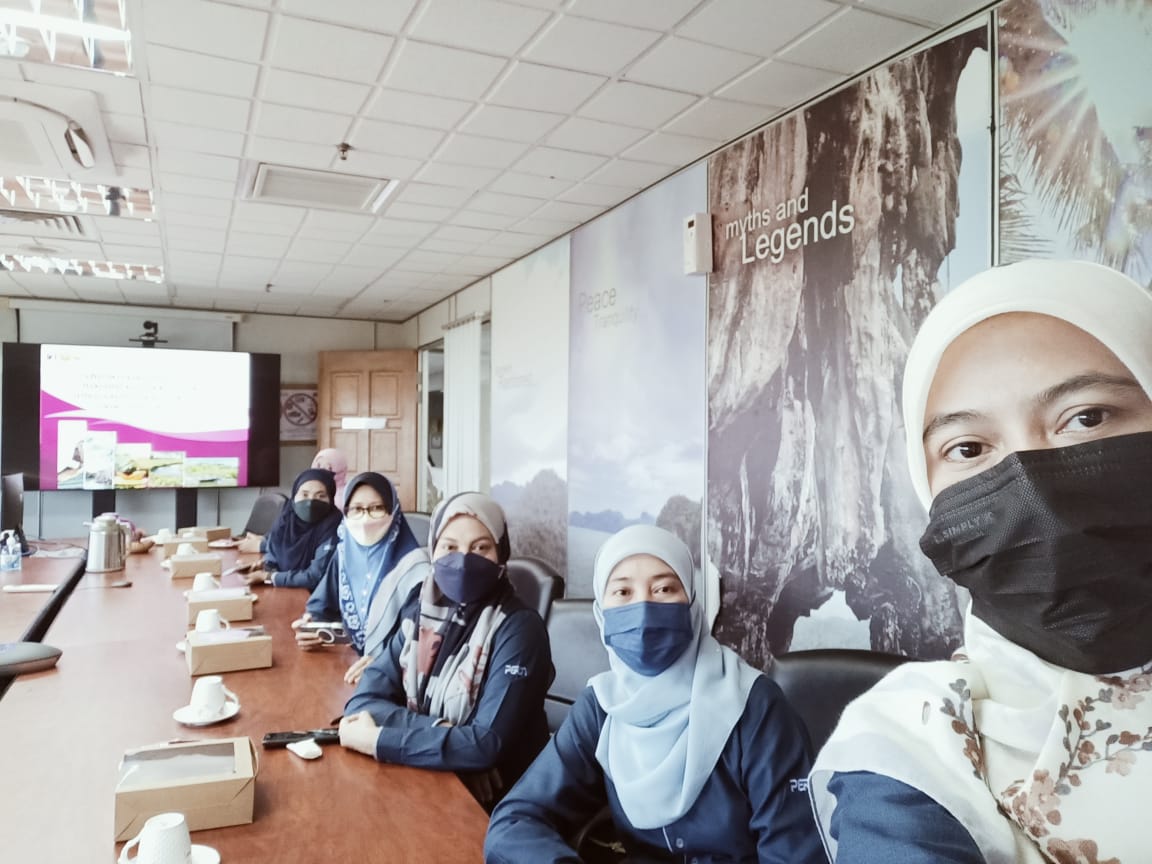
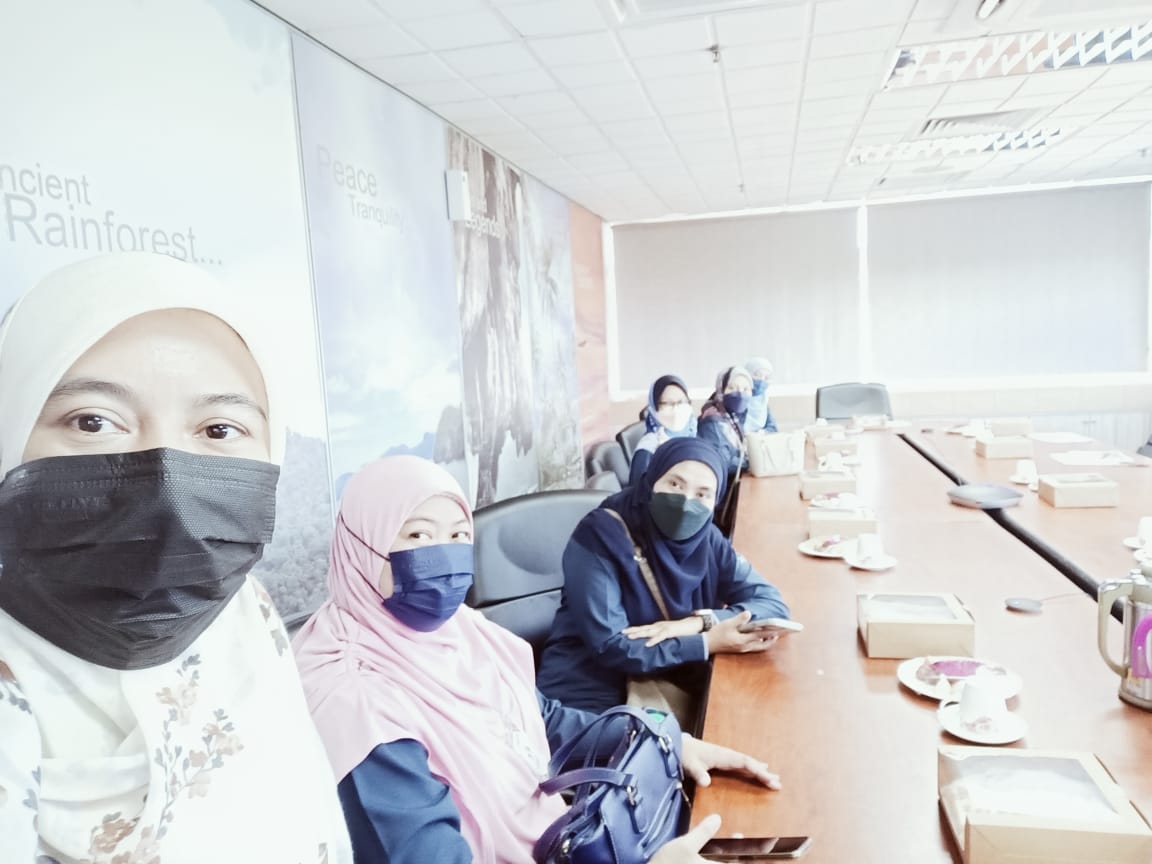
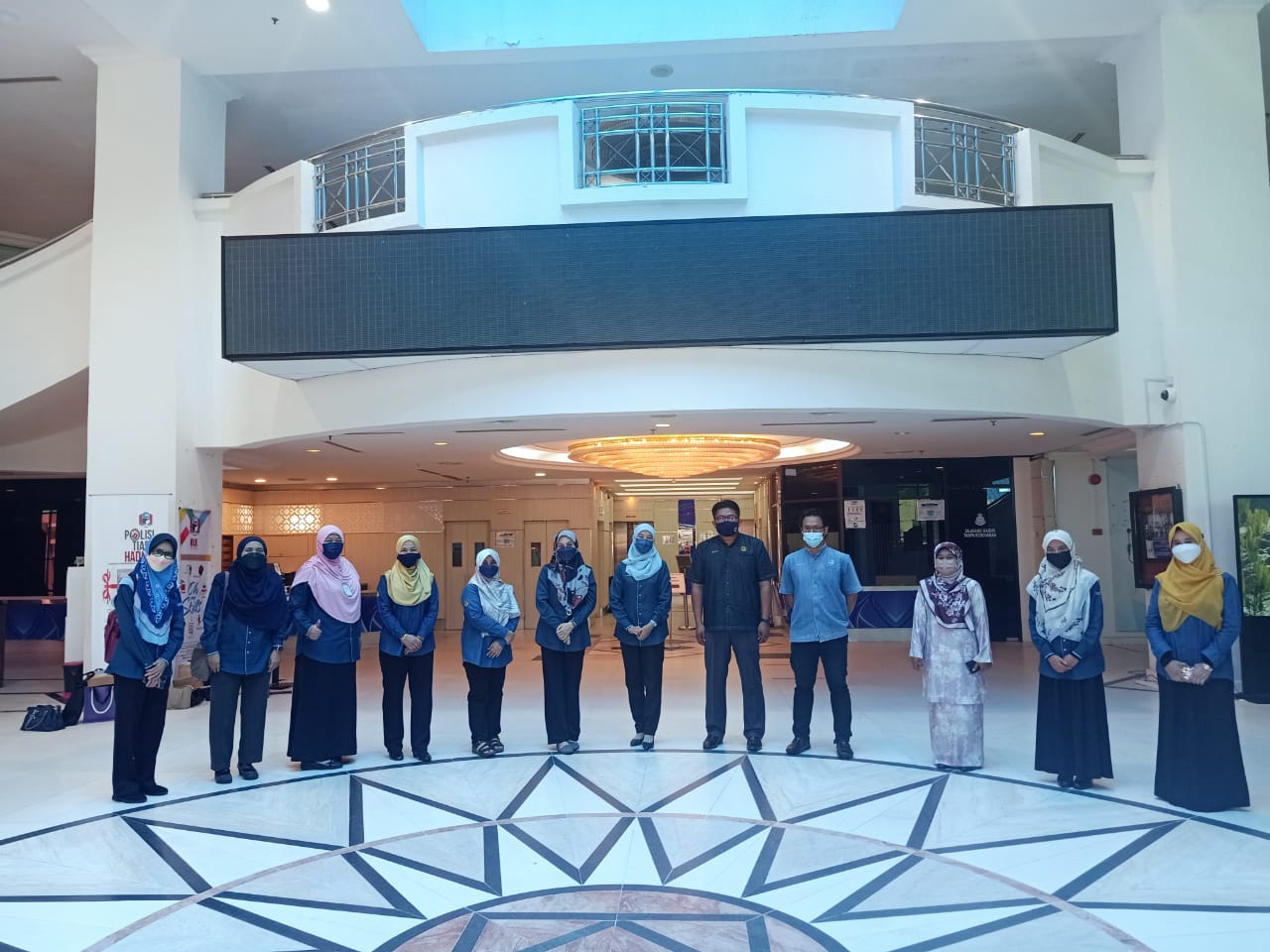
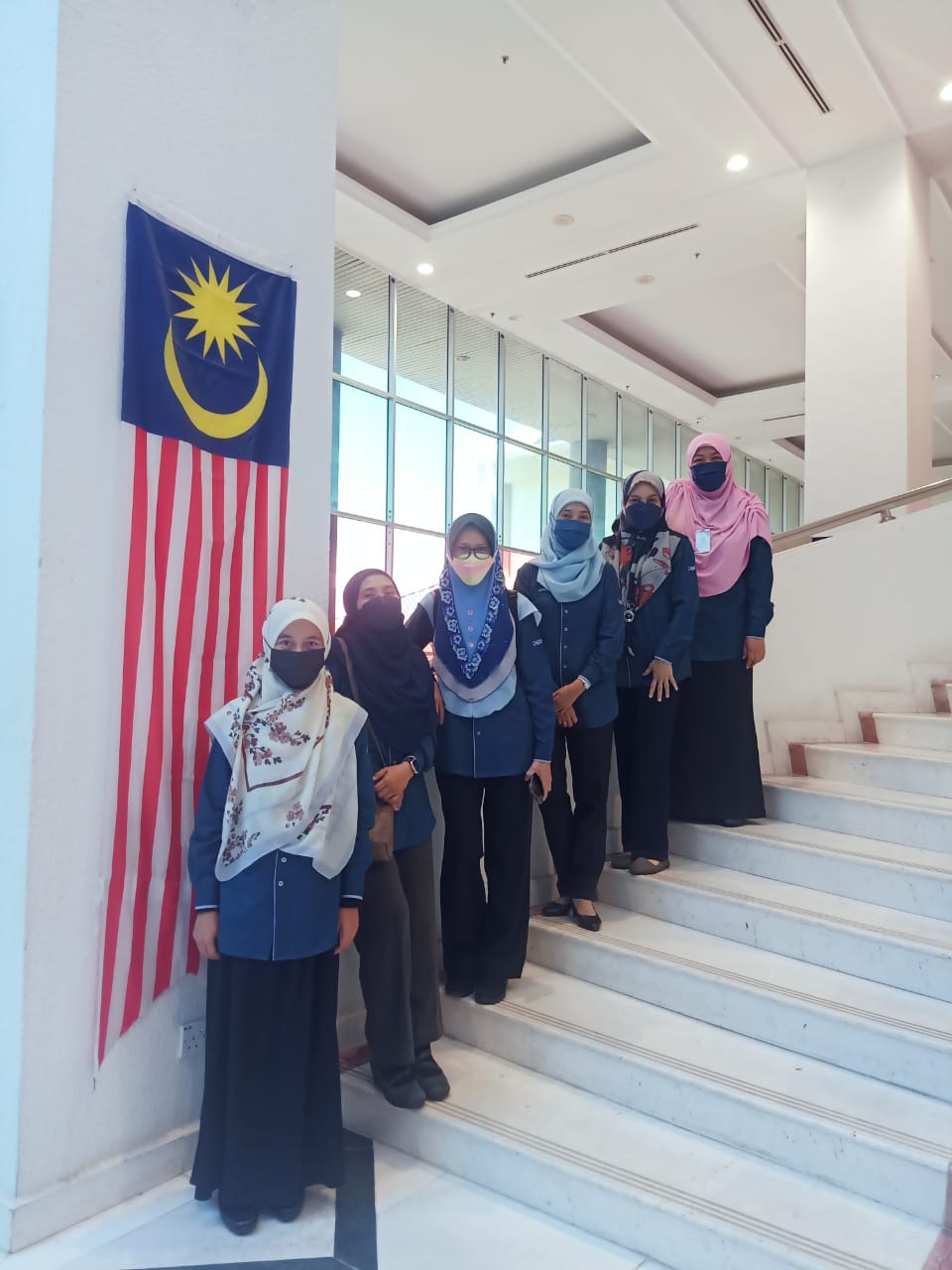
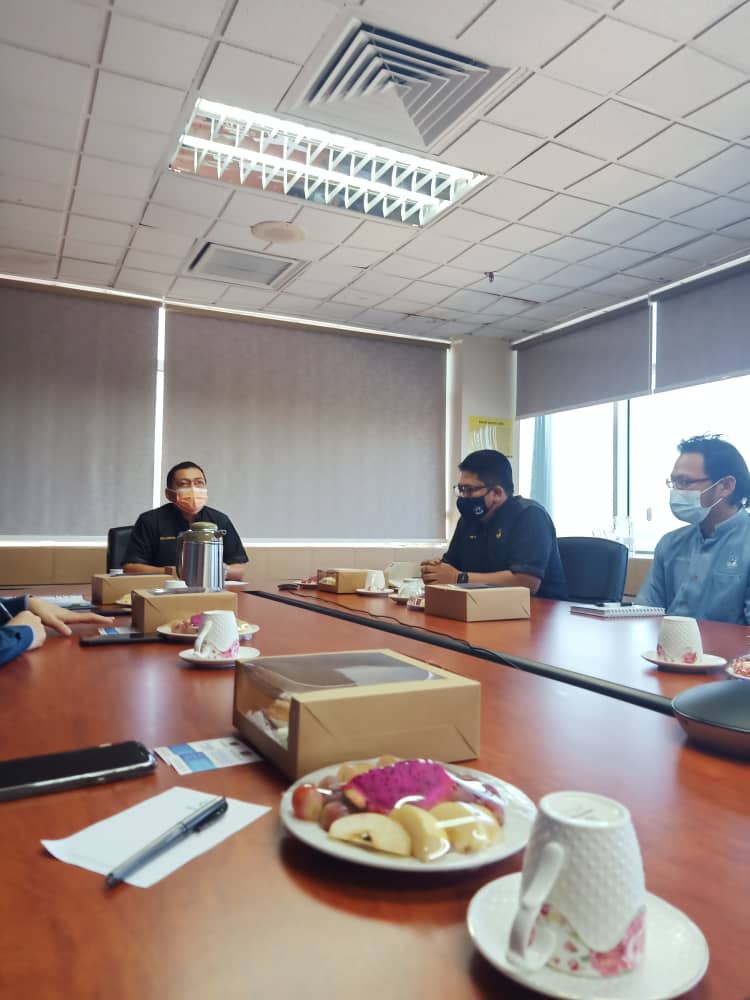
Lawatan ini dilaksanakan pada 15 Mac 2022 bertempat di Lembaga Kemajuan Pembangunan Langkawi (LADA) diketuai oleh Timbalan Pengurus Besar Pengurusan, Puan Noor Hayati binti Ishak merangkap Ketua Pegawai Maklumat (CIO) PERDA, disertai oleh pegawai-pegawai dari Bahagian Teknologi Maklumat Bahagian Kewangan dan Unit Undang-undang.
Hasil dari lawatan ini, banyak maklumat berkaitan pengurusan sistem kutipan hasil melalui sistem SAGA telah diperolehi. Pelbagai isu dan masalah berkaitan pengurusan sistem dibincangkan secara mendalam. Lawatan ini berjaya membuka laluan hubungan antara PERDA dan LADA untuk bertukar-tukar maklumat serta pengalaman dalam pengoperasian sistem yang sama di kedua-dua agensi.